One CRM for Your Complete Client and Advisory Workflow
Manage leads, Aadhaar-based e-KYC, CVL-KRA verification, digital agreements, research recommendations, service plans, payments, invoices, calls, WhatsApp, SMS, email, teams and reporting from one connected CRM.
Everything Your Team Needs, Inside One CRM
FoxCRM connects lead management, client onboarding, communication, subscriptions, billing and service delivery so every team works with the same client information.
Complete Client View
View lead details, onboarding progress, documents, communication, subscriptions, payments and service history from one centralized CRM profile.
Connected Workflows
Move every client from lead capture to onboarding, activation, service delivery, billing and renewal without maintaining separate systems.
Better Operational Control
Use role-based access, team hierarchies, centralized records and activity tracking to maintain visibility across your business.
Integrated CRM Ecosystem
Every Client Operation Connected to Your CRM
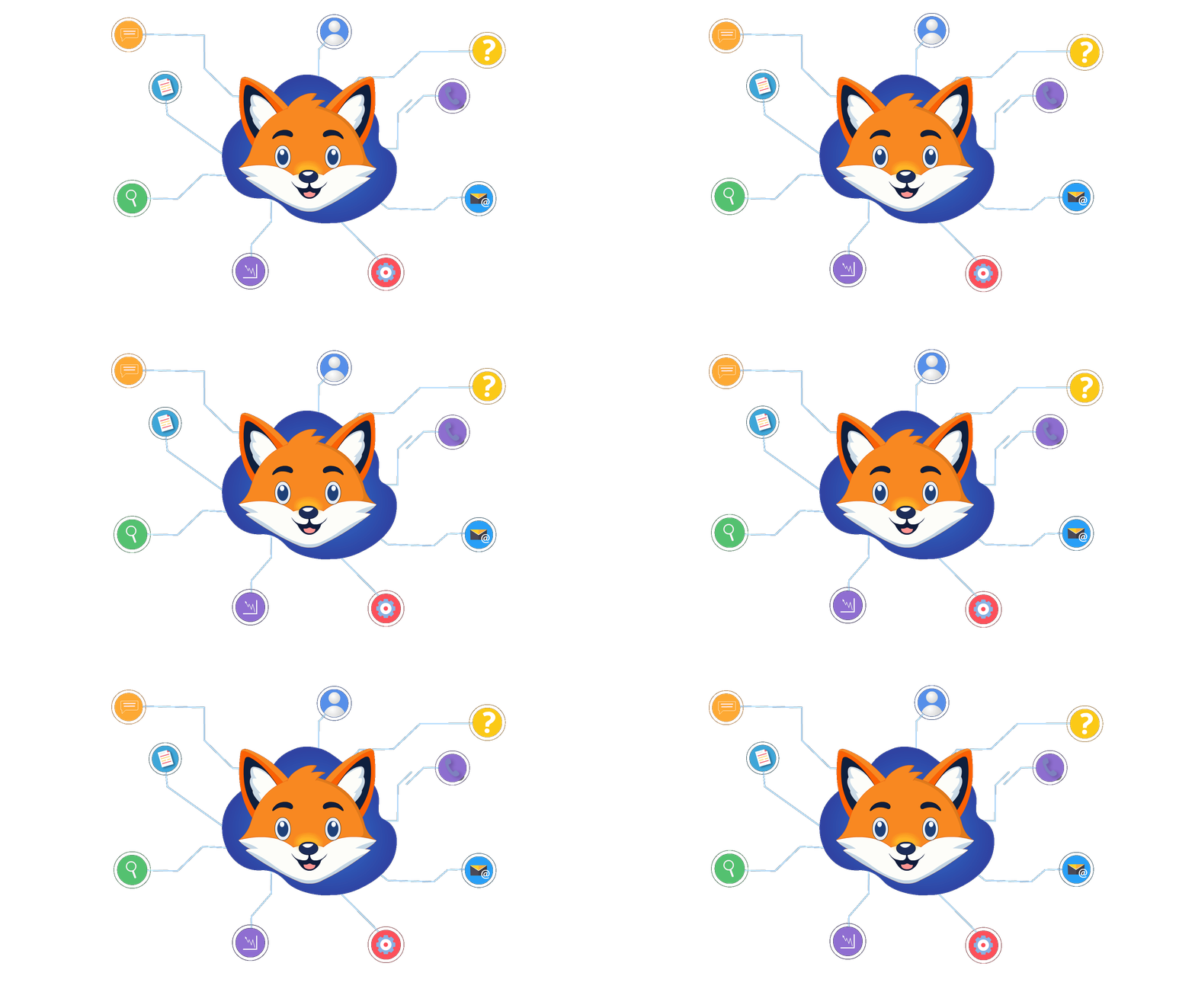
Leads, onboarding, KYC records, documents, communication, recommendations, subscriptions, billing and team activities remain connected to one centralized client profile.
Complete FoxCRM Capabilities
One CRM for Client Acquisition, Advisory Operations and Service Management
FoxCRM connects leads, onboarding, verification, agreements, recommendations, subscriptions, billing, communication, employees and reporting through one centralized CRM.
Lead & Pipeline Management
Capture, assign, follow up and convert leads through structured CRM workflows.
- Add leads manually or through bulk uploads
- Configure lead sources and response stages
- Assign and transfer leads between employees
- Schedule callbacks and maintain comments
- Recycle inactive leads and manage deleted records
Centralized Client CRM
Maintain client, service, payment and communication records in one profile.
- Convert qualified leads into active clients
- View client contact and profile information
- Track assigned services and total payments
- Review service validity and call usage
- Maintain complete client activity history
Aadhaar-Based E-KYC & Client Onboarding
Complete Aadhaar-based identity verification and manage client onboarding, documents and verification records inside FoxCRM.
- Initiate Aadhaar-based e-KYC workflows
- Capture PAN, Aadhaar and client information
- Collect identity and onboarding documents
- Track pending and completed verification
- Maintain consent and verification records
- Keep onboarding data connected to the client profile
CVL-KRA & Digital Agreements
Fetch available KRA records and manage digitally signed client agreements.
- Fetch CVL-KRA information using client PAN
- View and maintain KRA PDF records
- Initiate Zoop-supported agreements
- Generate and copy client signing links
- Access completed agreement documents
Research Recommendations
Create, update and track research recommendations through controlled workflows.
- Configure recommendation and service types
- Record entry levels, targets and stop-loss values
- Track open, target-hit, stop-loss and closed statuses
- Manage hold and partial-profit updates
- Export recommendation records to PDF and XLSX
Research Analytics
Review researcher activity and recommendation performance through dedicated analytics.
- Filter analytics by researcher
- Review recommendation and plan types
- Analyze recommendation statuses
- Apply date-based reporting filters
- Export records for internal review
Service Plans & Subscriptions
Create flexible advisory services and assign them to client records.
- Create call-based service plans
- Configure monthly and quarterly plans
- Support half-yearly and yearly billing
- Associate recommendation types with plans
- Track duration, call limits and service status
Payments & Invoices
Collect payments, generate invoices and maintain billing records.
- Record gateway and manual payments
- Generate invoices with client payments
- Access invoices from the client profile
- Track payment IDs and payment status
- Identify new, upgraded and renewed clients
Calling & Communication
Connect calls, WhatsApp, SMS and email activities with client records.
- Initiate calls through click-to-call
- Review call histories and recordings
- Send template-based SMS communication
- Integrate WhatsApp delivery on client demand
- Send emails through configured SMTP services
Employees, Roles & Permissions
Manage departments, employees and granular access throughout the organization.
- Create departments and employee profiles
- Configure page-level permissions
- Control view, add, update and delete actions
- Restrict modules according to employee roles
- Monitor employee and team activity
Reports & Operations Dashboard
Track lead, payment, client, researcher, employee and calling performance.
- Monitor lead and conversion activity
- Review payment performance by period
- Analyze employee performance
- Access client and calling reports
- Review recommendation analytics
Organization Configuration
Configure FoxCRM according to your workflows and service providers.
- Configure company details and branding
- Set up SMTP and SMS gateway providers
- Enable PAN, Zoop and CVL-KRA products
- Manage payment and invoice settings
- Configure services, roles and response options
Connected CRM Workflows
Reduce Repetitive Work Across Sales and Client Operations
FoxCRM connects lead assignments, follow-ups, verification, agreements, service plans, payments and communication so teams can complete operational work from one system.
Lead Assignment
Assign and transfer leads between employees while maintaining ownership and activity records.
Callbacks & Follow-Ups
Schedule callbacks and keep pending follow-up activities visible to the responsible employee.
KYC & KRA Workflow
Capture verification information, fetch available KRA records and maintain onboarding documents.
Agreement Workflow
Initiate client agreements, generate signing links and access completed agreement records.
Payment-Linked Activation
Connect service plans, client payments, invoice generation and service activation.
Operational Reporting
Review lead, payment, employee, recommendation and calling data through centralized reports.
Connected Client Communication
Calls, WhatsApp, SMS and Email Connected to Your CRM
Communicate with leads and clients while maintaining call details, recordings, delivery records and communication history inside FoxCRM.
Click-to-Call
Initiate calls from FoxCRM and connect calling activity with the relevant lead or client.
Call History & Recordings
Review employee call histories, outcomes and available call recordings through dedicated reports.
WhatsApp & SMS
Send SMS through configured gateways and integrate WhatsApp delivery according to client requirements.
Client Email
Send emails using configured SMTP services and maintain communication against client records.
CRM Implementation
Move Your Business Workflows Into FoxCRM
We configure FoxCRM around your teams, services, roles, data and integrations before helping your employees move to production.
Process Discovery
We understand your lead, client, onboarding, service, billing and reporting workflows.
CRM Configuration
Roles, permissions, branches, services, stages and billing cycles are configured.
Data & Integrations
Existing records are prepared and required communication, payment or onboarding integrations are connected.
Training & Go-Live
Your team is trained, workflows are tested and FoxCRM is moved into production.
FAQs
Frequently Asked Questions About FoxCRM
Learn how FoxCRM connects lead management, client operations, communication, subscriptions and billing inside one CRM.
What is FoxCRM?
FoxCRM is a customer relationship management system that helps businesses manage leads, clients, employees, branches, communication, services, subscriptions, billing and operational workflows from one connected CRM.
Is FoxCRM only a lead and sales CRM?
No. FoxCRM includes lead and pipeline management, but it also supports client onboarding, document management, E-KYC and e-sign workflows, recommendation delivery, subscriptions, billing, communication and reporting.
Can financial service and advisory businesses use FoxCRM?
Yes. Research Analysts, Investment Advisers, wealth firms and other financial service businesses can configure FoxCRM around their lead, onboarding, client, service, recommendation, subscription and billing workflows.
Does FoxCRM support Aadhaar-based e-KYC?
Yes. FoxCRM supports Aadhaar-based e-KYC for client identity verification and keeps verification status, consent information, onboarding documents and related records connected to the client CRM profile.
Can FoxCRM support Aadhaar-based e-sign?
FoxCRM can connect with supported Aadhaar-based or email-based e-sign providers to send, track and store digitally signed client documents.
Can recommendations be delivered through FoxCRM?
FoxCRM can support structured recommendation creation, controlled delivery and centralized record management through configured client services and communication channels.
Does FoxCRM manage subscriptions and billing?
Yes. Businesses can configure services and billing cycles, assign subscriptions, generate invoices, record payments, monitor expiry dates and manage renewals.
Can FoxCRM be customized for our workflow?
Roles, permissions, branches, services, stages, statuses, reports and supported integrations can be configured around the requirements of the business.
See How FoxCRM Fits Your Complete Business Workflow
Explore how FoxCRM can connect lead management, client onboarding, communication, recommendations, subscriptions, billing and team operations.